


Online Learning
Ellii (ESL Library)
Ellii is a classroom learning tool that houses lessons from class, assignments from your teacher, and a solo learning opportunity to continue learning outside of class!
-
Navigate
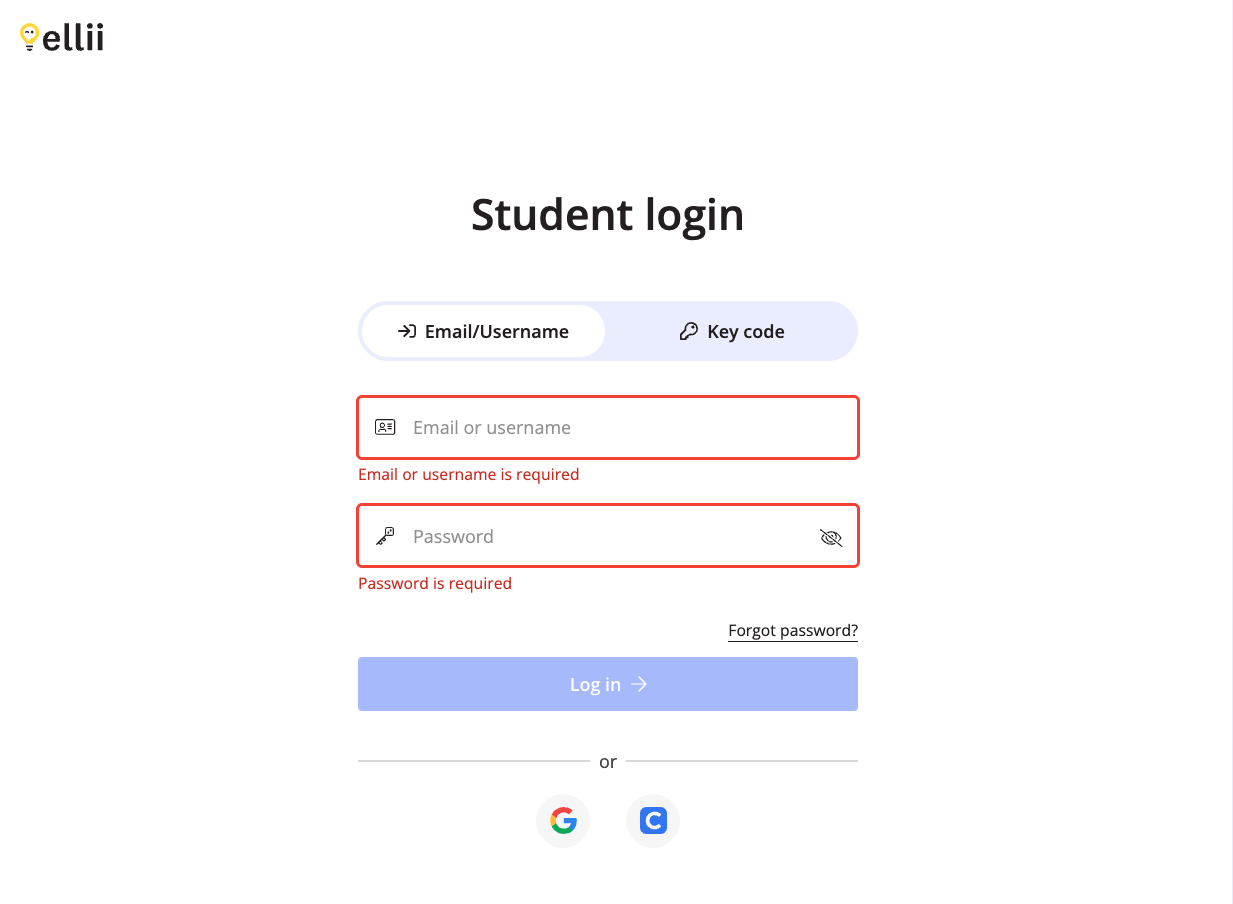
Go to https://ellii.com/students/login to login to your Ellii account
Be sure to select Email/Username NOT Key code. Adult Options students do NOT have a key code
-
Login
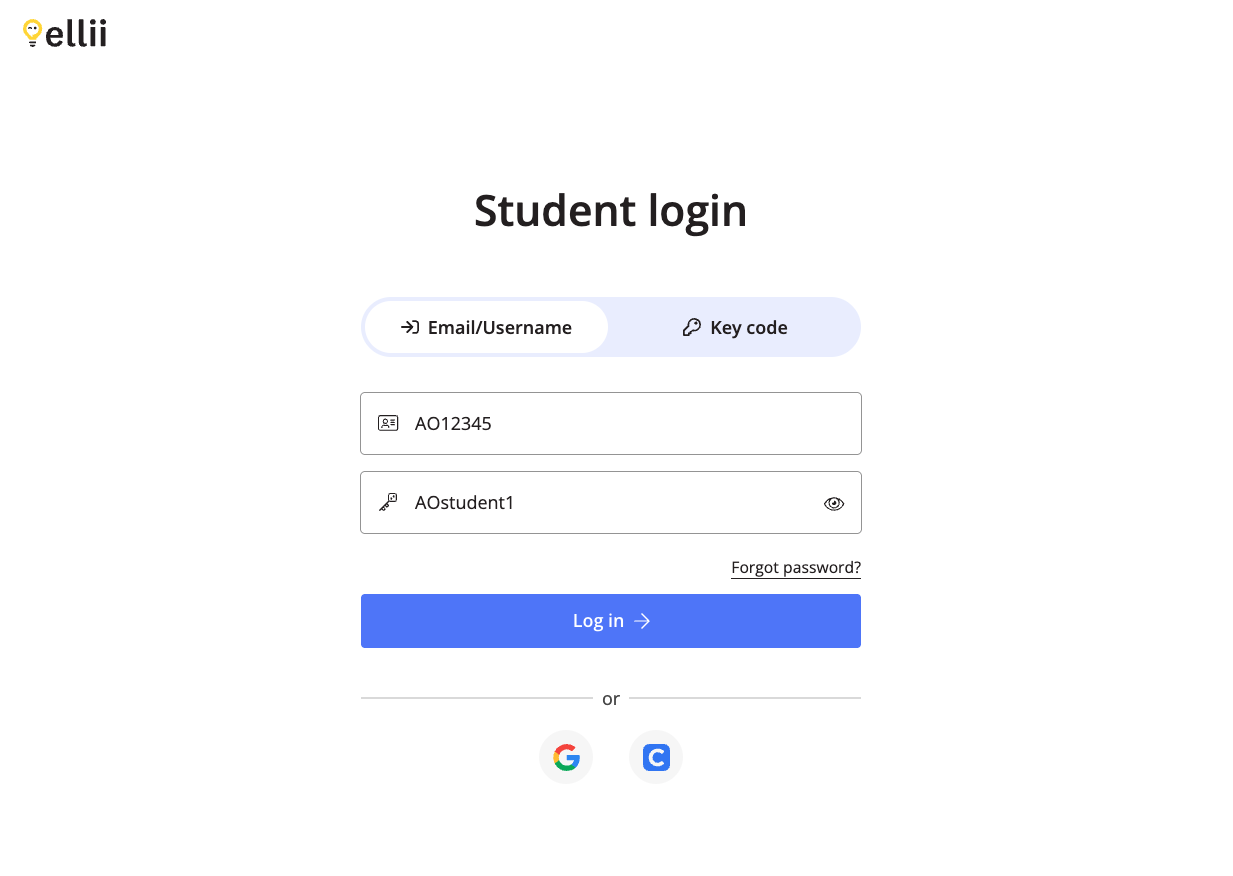
Login to Ellii with the username “AO” followed by your unique student ID number. Example: AO12345.
The password is: AOstudent1
Always login using your username, NOT email address
-
Ellii for Class
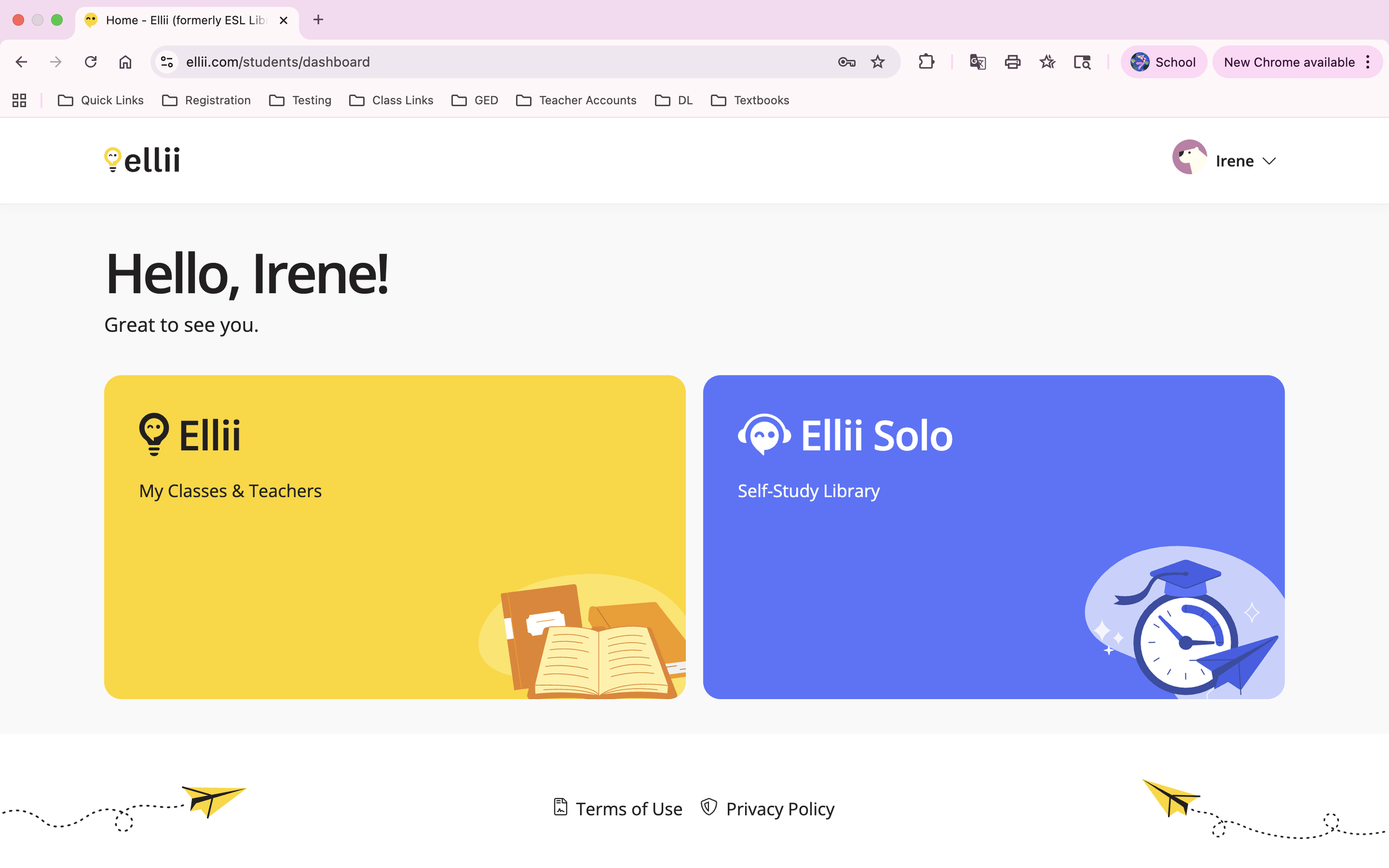
To access in-class assignments and homework, click the yellow Ellii button to the left
-
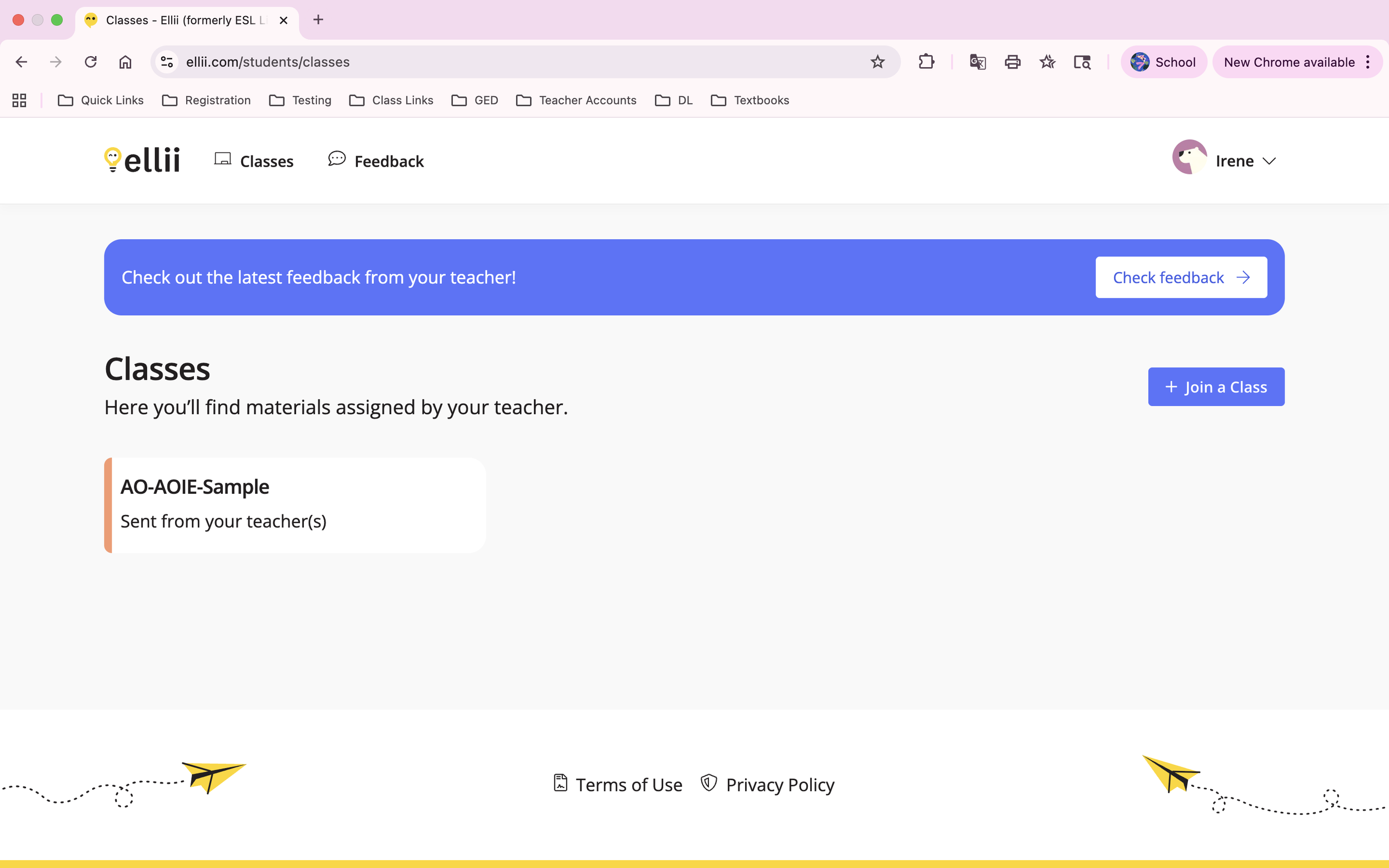
Explore
Click on your class and start exploring the lessons your teacher has selected
-
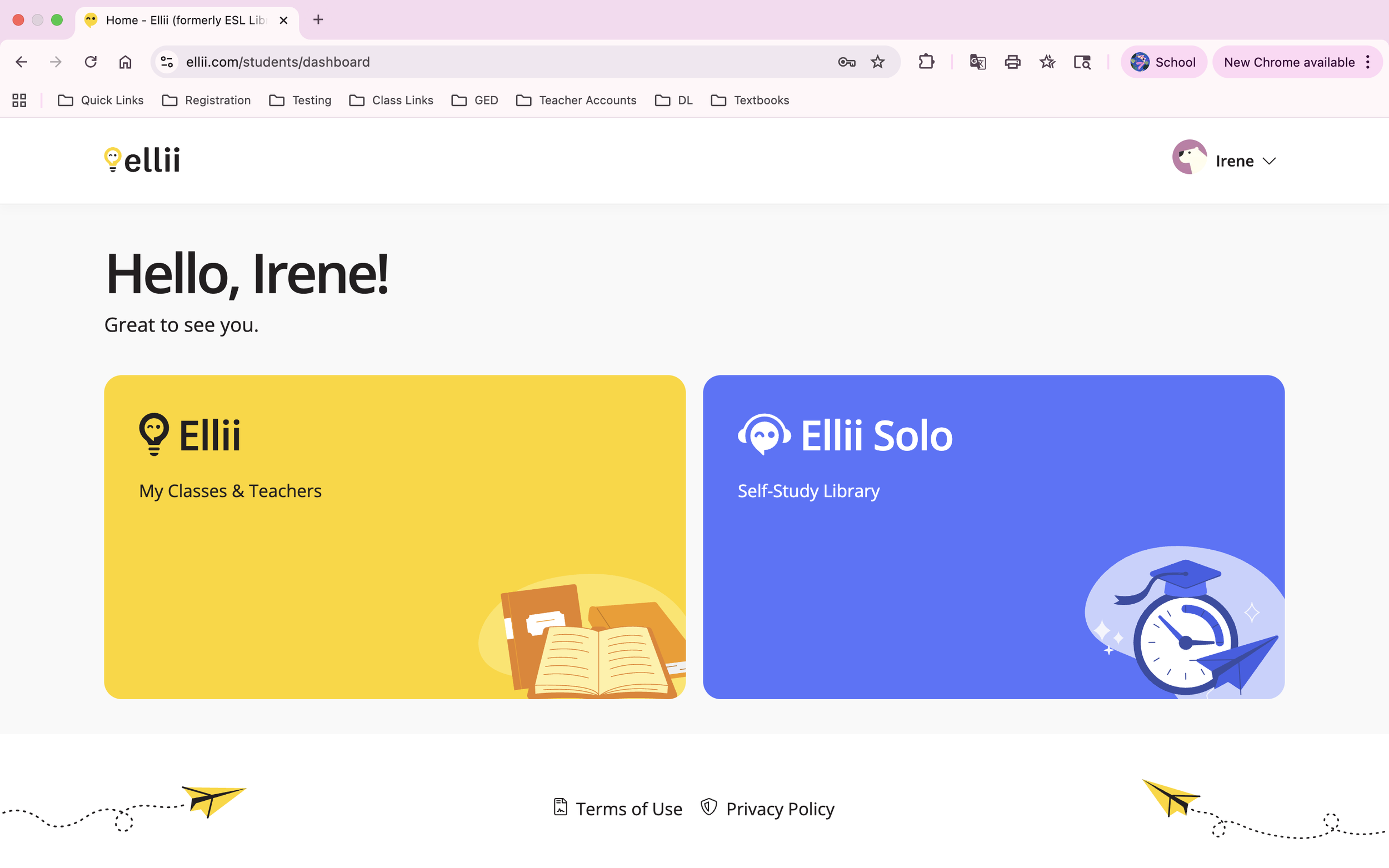
Ellii Solo
To access solo learning materials, click the purple Ellii Solo button to the right
-
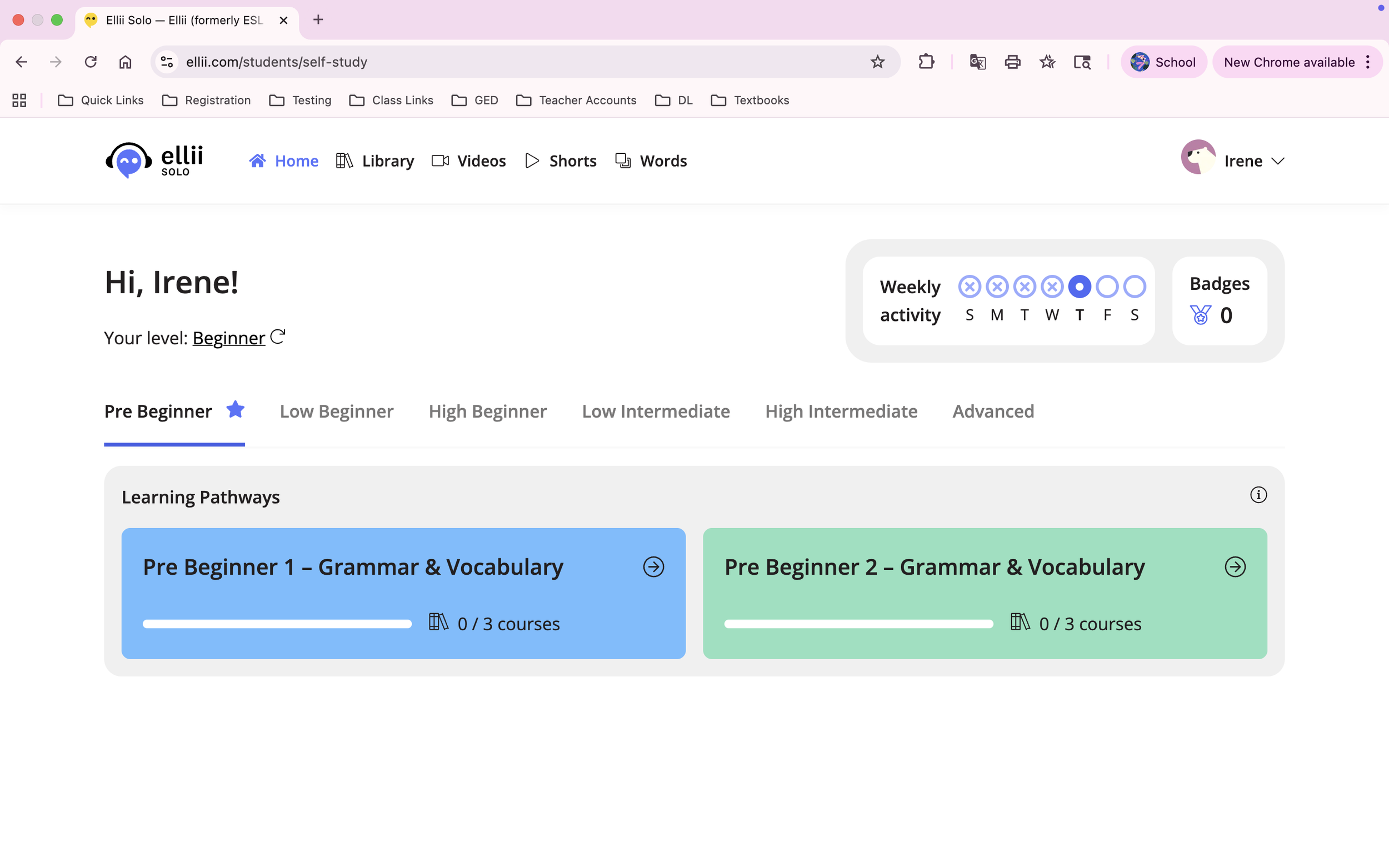
Explore
For your first time logging in, complete the 30 minute placement test to unlock materials on your level. Once completed, you can explore and choose any lesson you like
Northstar Online Learning
Northstar Online Learning (NSOL) can help you learn digital literacy skills online. These include basic computer skills, email, Microsoft, and more!
-
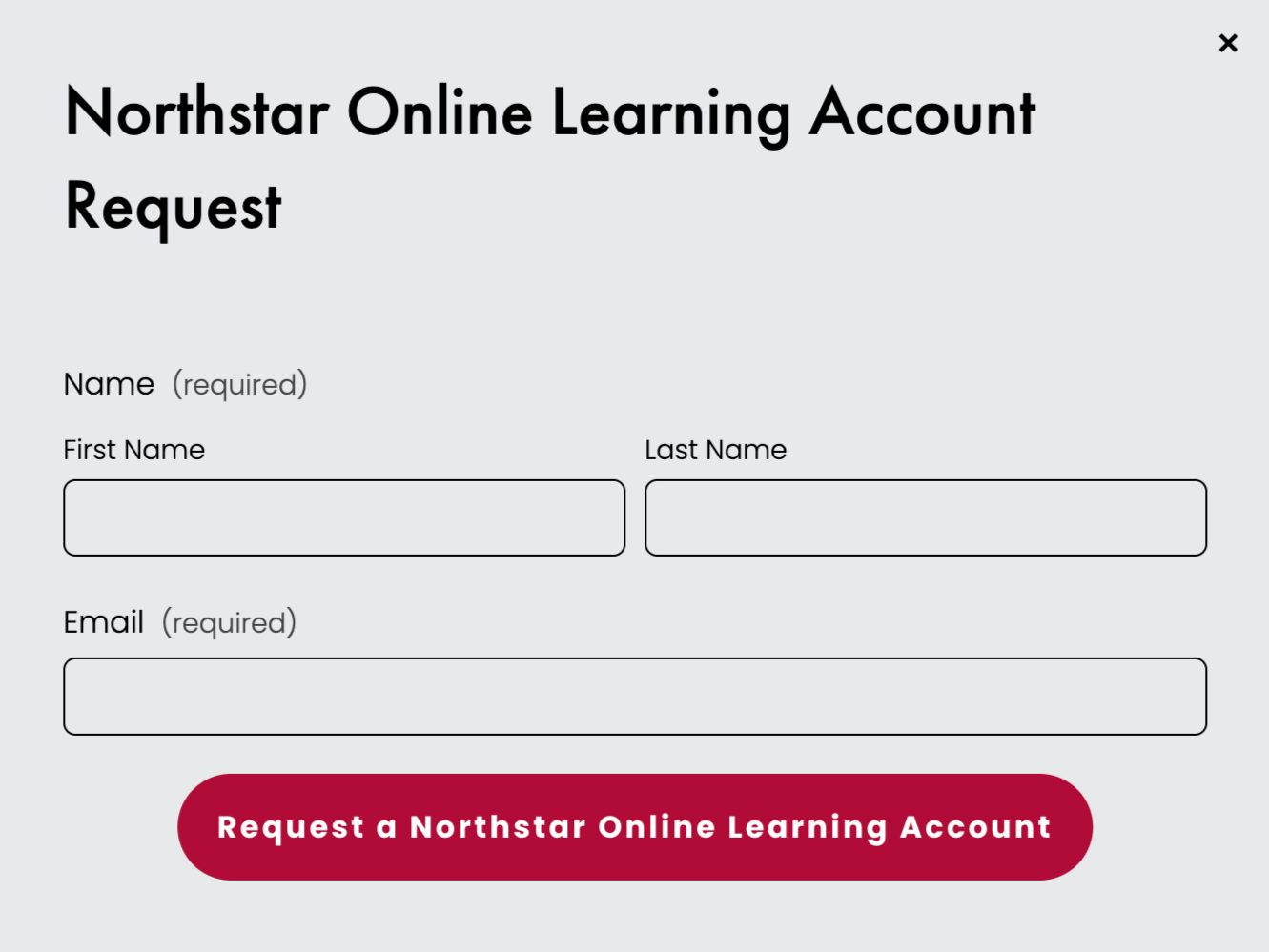
Request
Request a Northstar Online Learning Account by using the button above and filling out the form
-

Check
At the end of the week, check your Gmail for an email from support@mg.digitalliteracyassessment.org
-
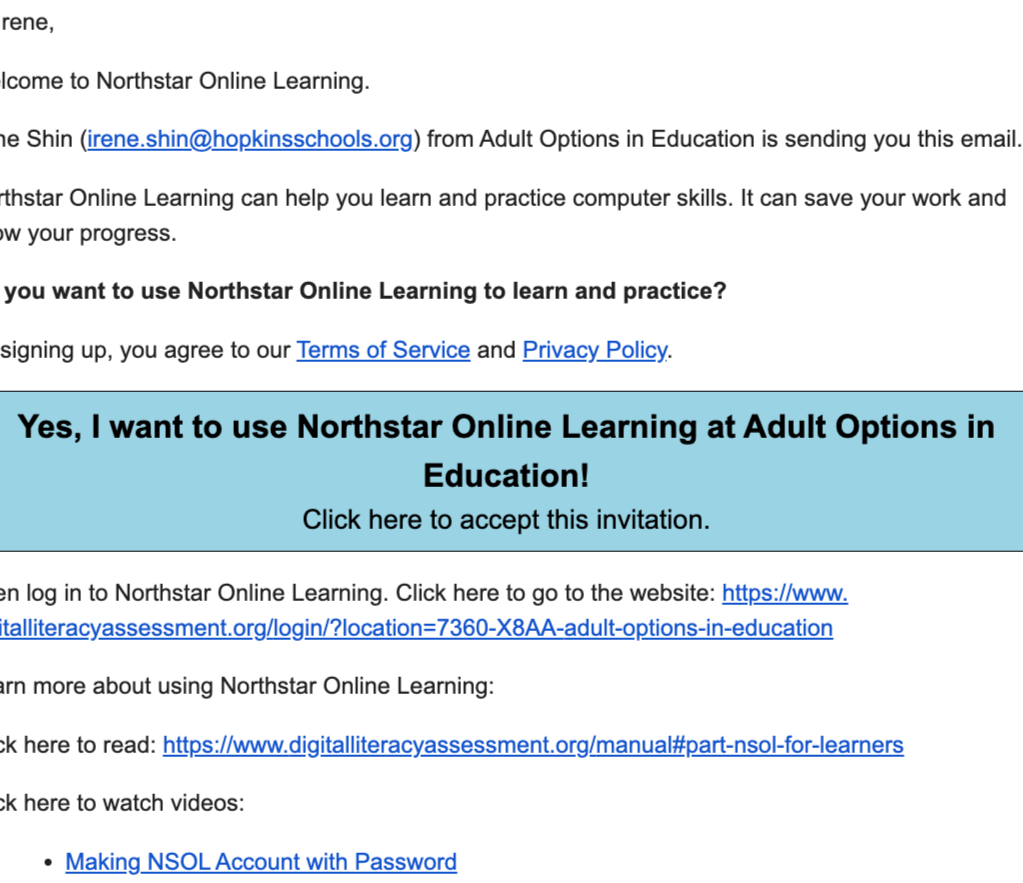
Click
Click the blue button to activate your account
-

Create
Create your own account password. It should be easy for you to remember
-

Confirm
Confirm that you are an Adult Options student by clicking: Yes
-

Explore
Explore your options and choose a lesson. Happy learning!

MobyMax
MobyMax can help supplement the reading, writing, and math skills you are learning in class. Login and complete lessons regularly to earn learning hours and prizes!
-

Request
Request a MobyMax account by using the button above and filling out the form
-

Search
Go to https://www.mobymax.com/signin and search for MN14975 under School Code. Do not use School Name. Or use the direct link mobymax.com/MN14975
-

Login
Login with your username: firstname..lastname
And password: student
-
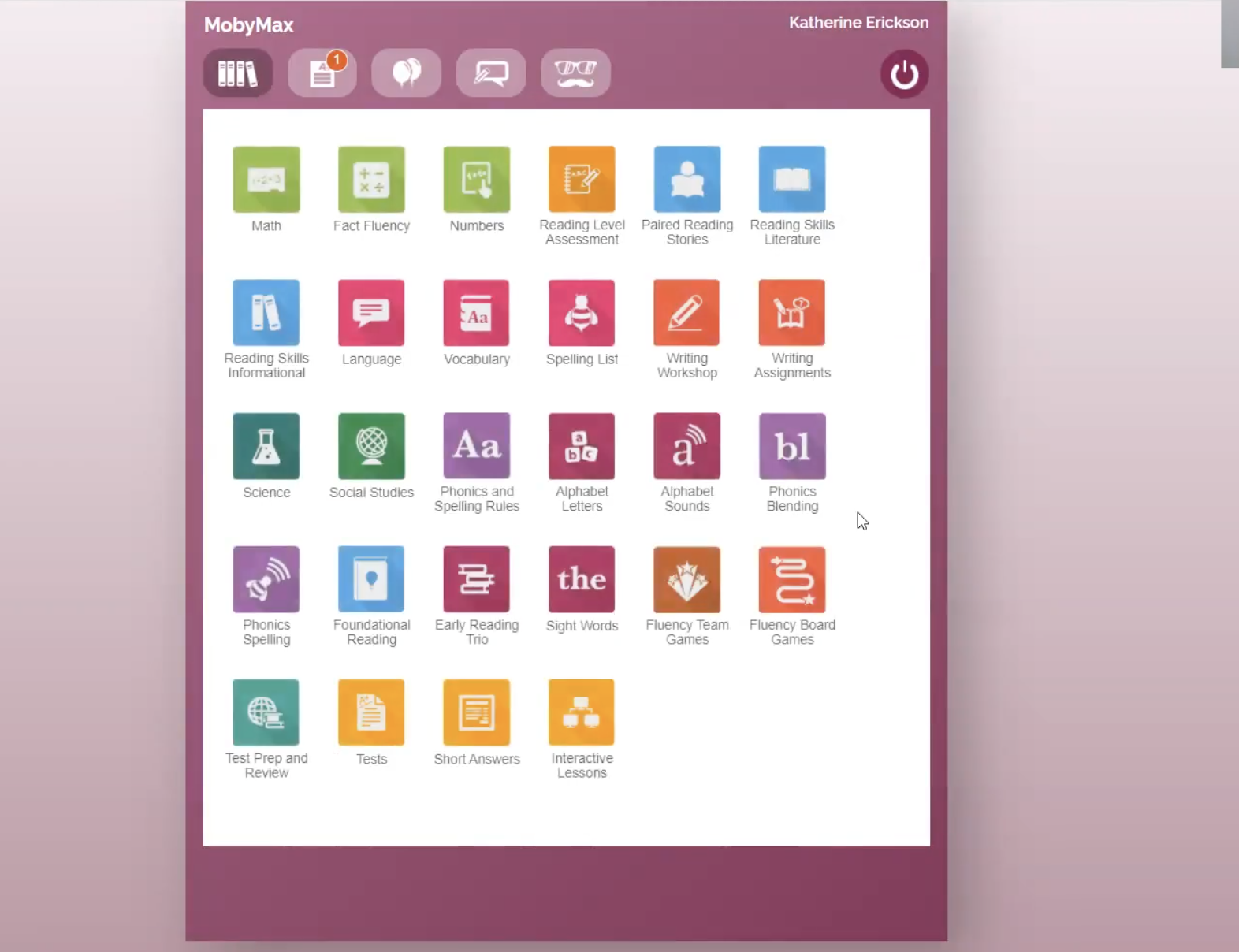
Explore
Explore your options and choose a lesson. Happy learning!
Logging On - Step by Step Videos
Practice Typing